How to create YouTube videos: from idea to upload
A practical workflow for creating YouTube videos — planning, scripting, filming or recording, editing, packaging, and publishing without burning out.
Published
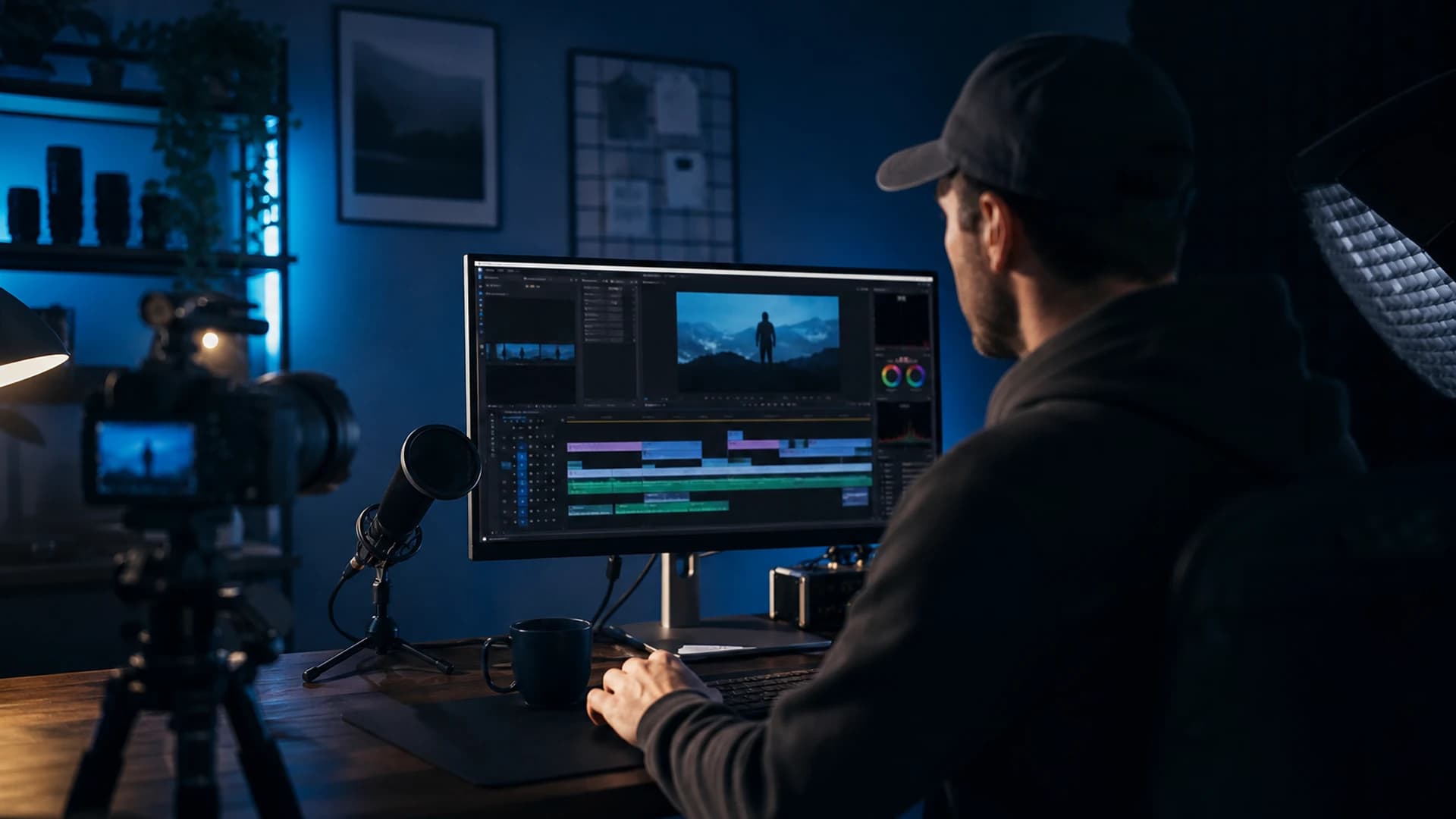
Creating a YouTube video is a chain of small decisions. You do not need a studio or a full-time team — you need a repeatable process you can run every week. This guide walks through that process from first idea to published upload.
1. Pick one idea with a clear viewer payoff
Start with the outcome: what should someone know, feel, or be able to do after watching? One video, one main promise. Check YouTube Studio's Research tab or your comments for questions people already ask you. If you are new, search your topic and note what top results cover — your angle should add something specific (a faster method, a beginner-friendly path, a mistake to avoid).
2. Outline before you script
Write three to five bullet sections: hook, context, main teaching, example or demo, wrap-up. Under each bullet, jot talking points — not a word-for-word essay unless you read from a teleprompter. Tutorials benefit from showing steps on screen; personality-led videos can stay looser. Keep the hook in the first 15–30 seconds: state the problem or promise, then deliver quickly so viewers do not bounce.
3. Set up to record (good enough beats perfect)
Prioritise audio over video at first — viewers forgive average lighting more than echoey sound. Use a quiet room, a mic close to your mouth (even a wired lav into your phone), and turn off fans or notifications. For talking-head videos, face a window or a soft lamp; avoid strong backlight. For screen recordings, capture at your monitor's native resolution and hide desktop clutter before you hit record.
4. Record in segments, not one perfect take
Record the hook, each main section, and the outro separately. Pause between mistakes instead of restarting the whole video. B-roll — cutaways, screen captures, product shots — hides jump cuts and keeps energy up. Name files clearly (section number + topic) so editing does not become a scavenger hunt.
5. Edit for clarity and pace
Assembly edit first: drop clips on the timeline in order and trim obvious dead air. Second pass: add b-roll, on-screen text for key terms, and light music under intros if it fits your brand. Export in 1080p minimum (4K if you shot it and your machine can handle it). Watch once on mute — if the story still makes sense, your visuals are carrying weight.
6. Package before you publish
Thumbnail and title are part of creation, not an afterthought. Design the thumbnail while the topic is fresh, write the description with chapters, and export a Short teaser if you plan to promote on vertical platforms. Our title and thumbnail checklist and SEO basics guide cover the upload metadata side in detail.
7. Publish and promote in the first 48 hours
Upload, set visibility, pin a comment, and share where your audience already lives. The first two days matter for early signals — work through the 48-hour promotion checklist so launch week is not a single tweet and silence.
8. Protect work worth copying
Tutorials, explainers, and evergreen how-tos get scraped when they perform. After publish — especially on videos you expect to rank — run a scan for similar uploads. See our best tools for YouTube creators for software picks by stage, then run a free scan on your highest-value upload.
Frequently asked questions
- What is the minimum gear needed to start a YouTube channel?
- A phone or webcam, a quiet room, and a mic close to your mouth beat expensive cameras with bad audio. Add screen-recording software if you teach tutorials.
- Should you script YouTube videos word for word?
- Use a bullet outline for most formats. Full scripts help teleprompter reads; loose outlines sound more natural for personality-led videos.
- When should packaging happen in the YouTube workflow?
- Design thumbnail and title while the topic is fresh — ideally before or right after the final edit, not minutes before upload.