YouTube title and thumbnail checklist for more clicks
A creator-friendly checklist for writing YouTube titles and designing thumbnails that earn clicks — without resorting to misleading clickbait.
Published
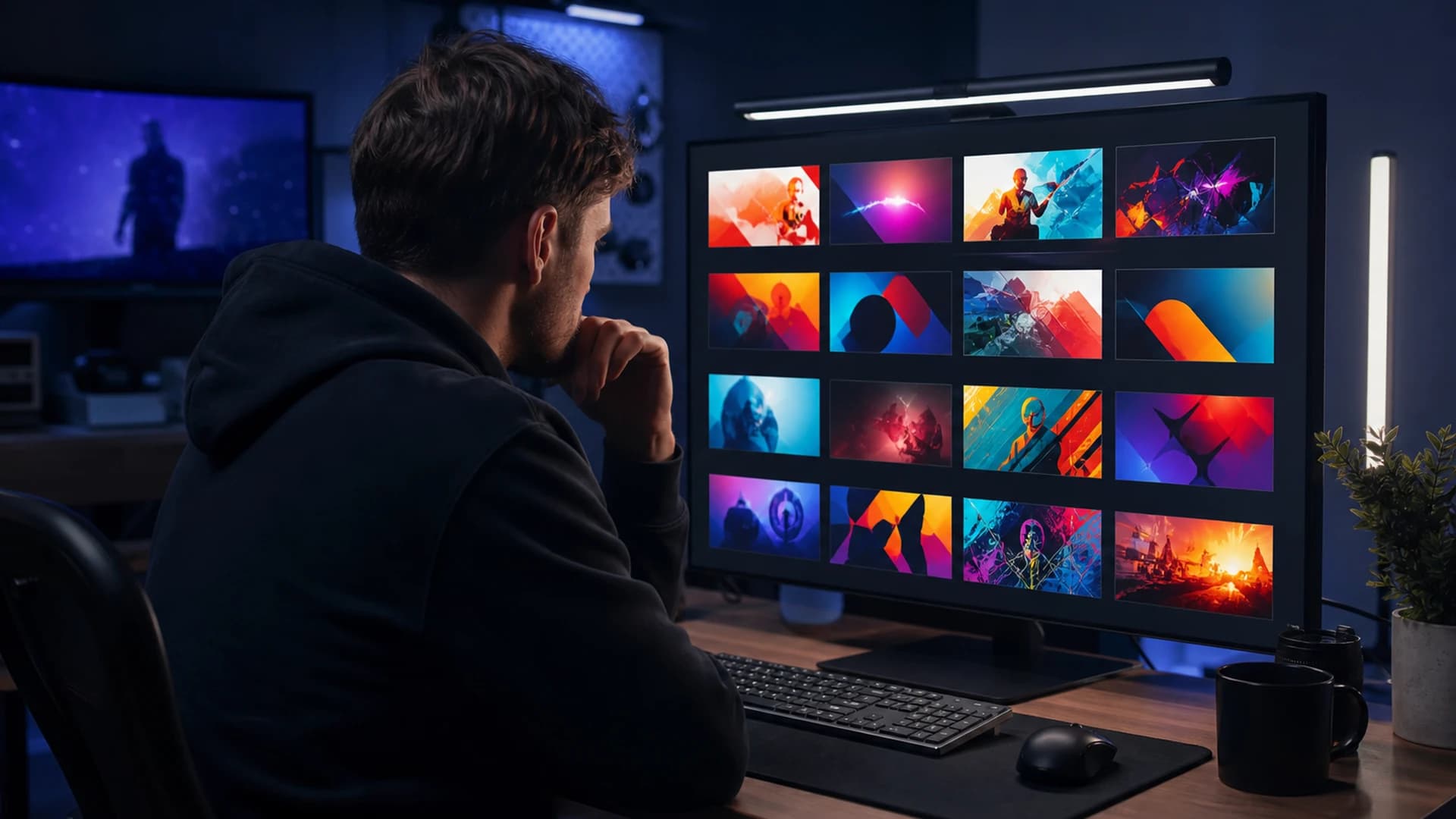
Your title and thumbnail are a billboard, not a summary. Viewers decide in under two seconds whether your video is worth their time. This checklist helps you earn the click honestly — and deliver on the promise once they arrive.
Title checklist
Lead with the outcome or tension the viewer cares about, not your process. Keep the front-loaded words specific: “Fix YouTube audio sync in Premiere” beats “My editing workflow.” Aim for roughly 50–60 characters so the full title shows on mobile. Use one primary keyword naturally — stuffing synonyms hurts readability. Add a number or timeframe only when it is true and useful (“3 checks”, “in 10 minutes”). Avoid ALL CAPS and excessive punctuation; curiosity gaps work only if the video actually answers the question.
Thumbnail checklist
Design for a small screen: one focal subject, high contrast, and no more than three or four words of large text. Faces with clear emotion outperform neutral stock shots when they fit your brand. Use a consistent colour accent across your channel so subscribers recognise you in suggested feeds. Leave breathing room at the edges — YouTube crops corners on some surfaces. Export at 1280×720 minimum; PNG or high-quality JPG before upload.
Title + thumbnail as a pair
The title and thumbnail should complete each other, not repeat the same phrase twice. If the thumbnail shows the problem (a broken timeline), the title can name the solution. If the thumbnail is minimal, let the title carry more context. Before publishing, shrink the pair to phone size and ask: would a stranger know what they get — and feel curious enough to tap?
A/B testing without chaos
YouTube Studio lets eligible creators test up to three thumbnails. Change one variable at a time and wait for enough impressions before calling a winner — usually thousands, not dozens. Keep a simple log: date, variant, CTR, and average view duration. A higher CTR with worse retention means the packaging oversold the content; fix the video or adjust the promise.
When your packaging gets copied
Popular titles and thumbnail layouts get cloned — sometimes with your script underneath. Distinctive phrasing in the title and a recognisable visual style make copycats easier to spot in search. If you see suspiciously similar packaging on another channel, document URLs and compare transcripts. Our reupload discovery guide walks through manual checks; GuardMyVideos automates structured comparison across title, description, tags, and transcript signals.
Next steps
After packaging is set, work through the 48-hour promotion checklist and tighten discovery with YouTube SEO basics. Ready to check for copycats on a video that is performing well? Run a free scan.
Frequently asked questions
- How long should a YouTube title be for mobile?
- Aim for roughly 50–60 characters so the full title shows on phones. Front-load the outcome or keyword viewers care about.
- Should the title and thumbnail say the same thing?
- They should complement each other, not repeat the same phrase. Let one carry context and the other carry curiosity or emotion.
- What thumbnail size should YouTube creators export?
- Use at least 1280×720 pixels, high contrast, one focal subject, and minimal large text readable at small sizes.