YouTube video promotion checklist for the first 48 hours
A practical promotion checklist for YouTube creators — what to do in the first 48 hours after upload so your video gets discovered, clicked, and watched.
Published
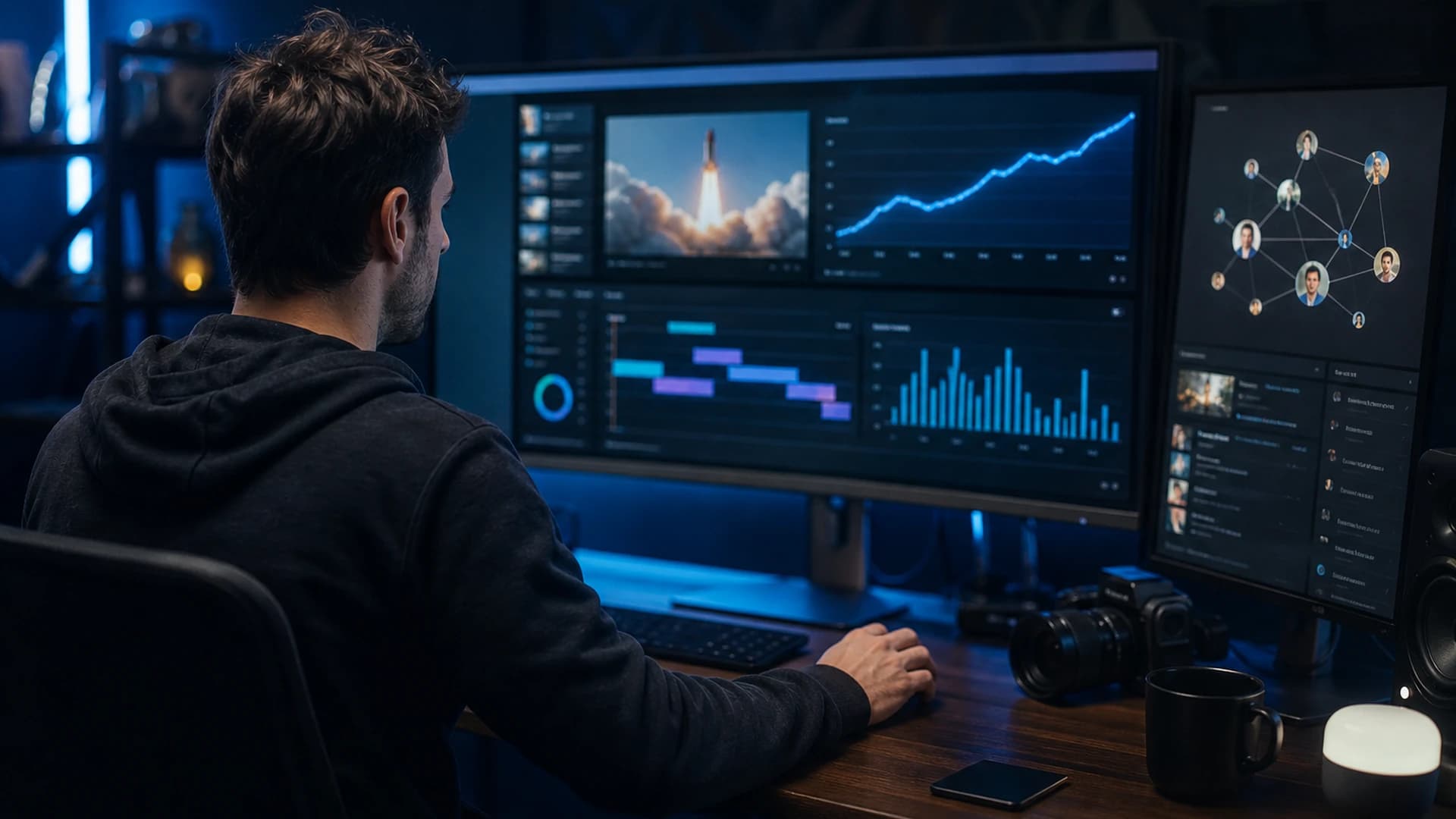
Publishing a video is only half the job. The first 48 hours after upload are when YouTube tests your video with real viewers — and when your own promotion can give that test a fair chance. Use this checklist so you are not relying on the algorithm alone.
Before you hit publish
Confirm your title and thumbnail work as a pair: one clear promise, one visual hook. Write a description that includes your primary keyword in the first two lines, add chapters if the video is longer than a few minutes, and pick three to five tags that match how people actually search. Schedule the upload for when your audience is usually online — check YouTube Studio's audience tab if you are unsure.
Hour 0: go live with intent
Post your pinned comment with a single call to action — watch the full video, answer a question, or grab a linked resource. Share the link on one platform where your viewers already hang out (email list, community tab, Discord, or a short-form clip). Do not spray ten channels at once; pick the one that historically sends engaged viewers.
Hours 1–6: earn early engagement
Reply to every comment in the first few hours. Engagement signals help, but more importantly you learn what confused people — that feedback improves the next upload. If you have a newsletter or Patreon, send a short note with context on why this video matters, not just a bare link.
Hours 6–24: repurpose without giving away the whole video
Cut one Short or vertical clip that teases the payoff without spoiling the core value. Post it natively on Shorts, TikTok, or Instagram Reels with a line that points back to the full video. Keep the clip distinct enough that viewers still have a reason to watch the long form — and distinctive enough that copycats cannot lift your entire script from a 30-second teaser.
Hours 24–48: review and adjust
Open YouTube Studio and check click-through rate, average view duration, and traffic sources. If CTR is low, test a thumbnail swap after 24 hours — not on day one, when the test is still fresh. If retention drops at a specific timestamp, note it for the next edit or follow-up video. Add the video to a relevant playlist so binge viewers can find related work.
What to skip (common mistakes)
Avoid sub-for-sub requests, buying views, or posting the same link in unrelated communities — those tactics hurt trust and rarely bring subscribers who watch. Do not change title and thumbnail every few hours; give each version time to collect data. And do not ignore comments asking genuine questions — unanswered threads look abandoned to both viewers and the algorithm.
Protect the video you are promoting
High-performing videos attract copycats. After a strong launch week, run a scan on your upload — especially if the topic is evergreen or tutorial-style. Pair this checklist with our title and thumbnail guide and YouTube SEO basics.
Run a free scan on a video you just promoted, or create an account to monitor your catalogue.
Frequently asked questions
- When is the best time to promote a new YouTube video?
- Promote heavily in the first 48 hours after publish when YouTube is testing the video with real viewers. Share on one primary channel first, reply to early comments, and post a Short teaser within the first day.
- Should you change your YouTube thumbnail in the first 24 hours?
- Usually wait at least 24 hours so the first thumbnail test collects enough impressions. If click-through rate is clearly weak after thousands of impressions, swap one variable and give the new version time to perform.
- Does promoting a video increase copycat risk?
- High-performing videos attract more copycats. After a strong launch week, scan your upload for similar titles, scripts, and metadata — especially on evergreen tutorials.