Best tools for YouTube creators (by workflow stage)
Best tools for YouTube creators by workflow stage — planning, recording, editing, thumbnails, analytics, and content protection. Free and paid picks.
Published
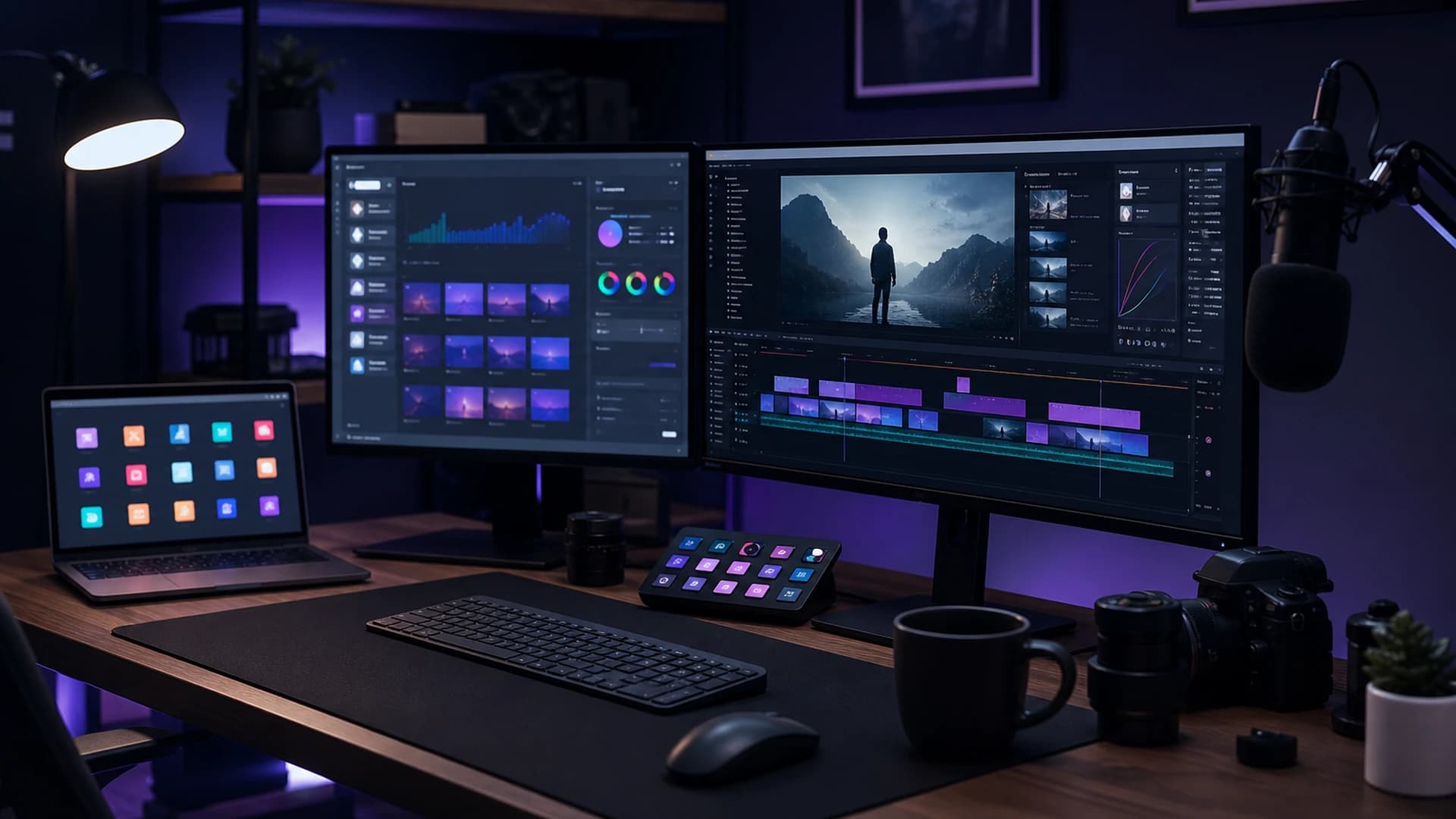
The “best” tool is the one you will actually use every week. This list groups proven options by workflow stage — mostly free or freemium — so you can start lean and upgrade when a bottleneck is real, not hypothetical.
Planning and scripting
Google Docs or Notion — collaborative outlines, shot lists, and reusable video templates. YouTube Studio → Research — free keyword and topic ideas from what your audience searches. Descript or similar (optional) — edit video by editing text; strong for talking-head and podcast-style channels once you outgrow basic cuts.
Recording and capture
Your phone or webcam — fine for starting; lock exposure, film landscape, and use an external mic when you can. OBS Studio (free) — screen capture, scenes, and multi-source recording on desktop. USB or lav microphone — often the highest-impact upgrade (e.g. Fifine, Rode, Shure MV7 class); audio quality signals professionalism faster than a new camera.
Video editing
DaVinci Resolve (free tier) — full editor and colour tools; steeper learning curve, no subscription. CapCut (free / paid) — fast cuts, captions, and templates; popular for Shorts. Adobe Premiere Pro or Final Cut Pro (paid) — industry standard when you need team workflows, plugins, and tight integration with other Adobe apps or Apple hardware.
Audio cleanup
Audacity (free) — noise reduction and leveling for voice tracks. Adobe Podcast Enhance or Auphonic — one-click cleanup when room treatment is not perfect yet. Fix audio in dedicated tools before your final video export — editors are not always the best place for heavy repair.
Thumbnails and graphics
Canva — templates and fast iteration; good for beginners. Figma (free tier) — reusable thumbnail components and brand kits. Photoshop or Affinity Photo — maximum control when you are designing every week. Pair tools with our title and thumbnail checklist so design choices match how people actually click.
Captions and accessibility
YouTube auto-captions — free baseline; review and correct errors on important videos. CapCut / Premiere auto-captions — styled burned-in captions for Shorts and social clips. Accurate captions help retention, search, and viewers watching without sound.
Analytics and SEO helpers
YouTube Studio — canonical analytics, A/B thumbnail tests (when eligible), and audience data. Google Search Console — see which Google queries send traffic to your videos. vidIQ or TubeBuddy (optional browser extensions) — keyword suggestions and competitor snapshots; useful, not mandatory — Studio plus a solid SEO workflow covers most creators.
Scheduling and promotion
YouTube Studio scheduling — publish later and set premiere if you use it. Buffer, Later, or native platform apps — cross-post Shorts teasers and community updates. Follow the 48-hour promotion checklist so tools support a plan, not random posting.
Protecting your content
YouTube Copyright Match Tool — official first line when your channel is eligible; see our Copyright Match guide. GuardMyVideos — AI-assisted scans across title, description, tags, transcript, narration patterns, and thumbnails when available; built for creators who need a ranked shortlist of suspicious uploads, not a replacement for legal advice. Spreadsheet or Notion evidence log — document URLs and dates before filing complaints.
Starter stack vs growth stack
Starter (free-first): phone + lav mic, OBS for screen capture, DaVinci Resolve or CapCut, Canva thumbnails, YouTube Studio analytics. Growth (when revenue or time justifies it): dedicated editor subscription, Figma brand kit, Descript for fast talking-head edits, optional vidIQ/TubeBuddy, and ongoing monitoring with GuardMyVideos on your top catalogue.
Put the stack to work
Tools only matter inside a workflow. Read how to create YouTube videos for the full idea-to-upload path, then create a free account to scan an upload once your production pipeline is running.
Frequently asked questions
- What is the best free video editor for YouTube beginners?
- DaVinci Resolve (desktop) and CapCut (quick cuts and Shorts) are popular free starting points. Pick one editor and learn it deeply before switching.
- What tool upgrade helps YouTube audio quality most?
- An external USB or lav microphone close to your mouth usually improves perceived quality more than a new camera body.
- Do YouTube creators need a separate SEO tool?
- YouTube Studio plus Google Search Console cover most needs. Browser extensions for keyword ideas are optional, not required.