How to write YouTube scripts that sound natural on camera
Learn how to write YouTube scripts that sound natural on camera. Practical techniques for structure, conversational tone, and confident delivery every time.
Published
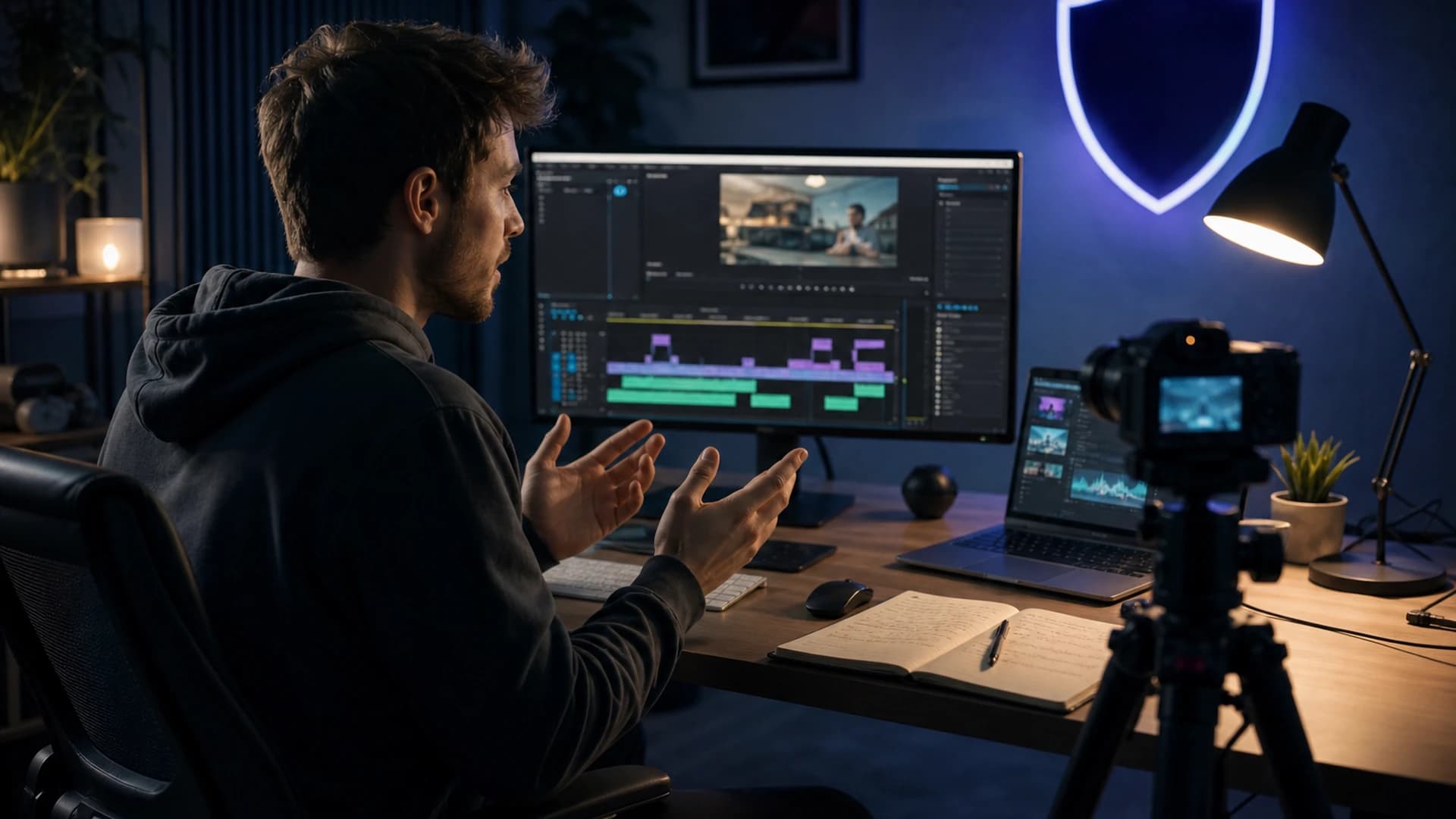
Writing YouTube scripts that sound natural on camera is one of the most underrated skills a creator can build. Get it right and your audience stops noticing the script entirely — they just feel like you are talking directly to them.
Why most scripts sound stiff — and how to fix it
The biggest mistake creators make is writing for the page rather than the ear. Full sentences with formal punctuation, passive voice, and paragraph-length ideas all feel fine to read but land awkwardly when spoken aloud. Your brain processes written and spoken language differently, and your audience will sense the mismatch even if they cannot name it.
The fix is to write the way you actually talk. Use contractions. Start sentences with "And" or "But" when it helps rhythm. Break long thoughts into two shorter ones. Read every line aloud as you draft — if you stumble, rewrite it. This single habit will improve your delivery faster than any camera or lighting upgrade.
A simple script structure that keeps viewers watching
Strong YouTube scripts follow a loose three-part shape: a hook that earns the next thirty seconds, a body that delivers on the promise, and a close that tells viewers what to do next. Within the body, alternate between teaching a point and applying it with an example or story. This rhythm prevents the flat, lecture-like pacing that drives early drop-off.
Use a checklist approach when planning: write the hook first and test it on someone cold, mark each section with a one-line summary so you stay on track while filming, and add a "re-hook" roughly a third of the way through to pull back any viewers who are starting to drift. What to skip: long recaps of what you just said, and over-explaining jokes or analogies — trust your audience.
Writing conversational sentences that perform on camera
Conversational writing has a few tell-tale qualities: shorter average sentence length, direct address ("you"), rhetorical questions, and occasional incomplete sentences for emphasis. Try reading your script and counting how many sentences run longer than twenty words — anything above a third of your total lines is a signal to break things up.
Pace and emphasis live in the punctuation. A dash — used like this — signals a beat. A new paragraph tells you to breathe. Capitalising a single word for emphasis ("that is the ONLY time you need it") gives you a delivery cue without recording a separate note. Build these markers into your draft so your on-camera self does not have to improvise them.
From full script to bullet points: finding your format
Not every creator performs better with a word-for-word script. Some find that reading closely kills spontaneity and makes eye contact with the lens feel mechanical. If that sounds familiar, try a hybrid format: write a full script for the hook and the close, then reduce the body to one punchy bullet per idea. You get structure without losing the energy that comes from speaking freely.
The key is to rehearse whichever format you choose until the ideas feel automatic rather than retrieved. Run through your script once for understanding, once for pacing, and once on camera as a rough take you never have to keep. By the third pass, the script is in your head and the camera sees confidence rather than recall.
Protecting original scripts from copycats
A well-crafted script is original creative work. If your videos gain traction, you may eventually find channels re-uploading your content with matching narration patterns, phrasing, or near-identical structure. This is more common than most creators realise, particularly in high-traffic niches. Keeping a dated archive of your scripts and outlines gives you clear documentation of when your content was created.
If you suspect a channel has closely copied your video — including your narration or phrasing — GuardMyVideos uses AI-assisted analysis to compare transcripts, titles, descriptions, and tags across YouTube. It is not legal advice, but it gives you concrete evidence to review before deciding whether to act. You can run a free trial scan at guardmyvideos.com.
Related: How to create YouTube videos: from idea to upload, YouTube title and thumbnail checklist for more clicks.
Create a free account to try trial scans, or view pricing for ongoing monitoring.
Frequently asked questions
- How long should a YouTube script be?
- A rough guide is 130 to 150 words per minute of finished video at a natural speaking pace. A ten-minute video typically needs a script of 1,300 to 1,500 words, though this varies if you use lots of B-roll, pauses, or on-screen text that replaces spoken explanation.
- Should I memorise my YouTube script or use a teleprompter?
- Neither is essential. Many creators use a teleprompter app on a phone or tablet placed just below the lens, which keeps eye contact close to natural. Others prefer bullet-point notes just off-camera. The goal is to know your material well enough that you are expressing an idea rather than retrieving a line — whichever tool gets you there is the right one.
- How do I stop sounding like I am reading from a script on camera?
- The most effective method is reading your script aloud during the writing stage and rewriting any line you stumble over. Beyond that, vary your sentence length deliberately, add natural filler beats (a pause, a breath, a reset phrase like "here is the thing"), and record a rough take purely to identify the words that feel unnatural when spoken — then rewrite only those.