How Copycats Disguise Stolen YouTube Videos — and How AI-Assisted Detection Uncovers Them
Published
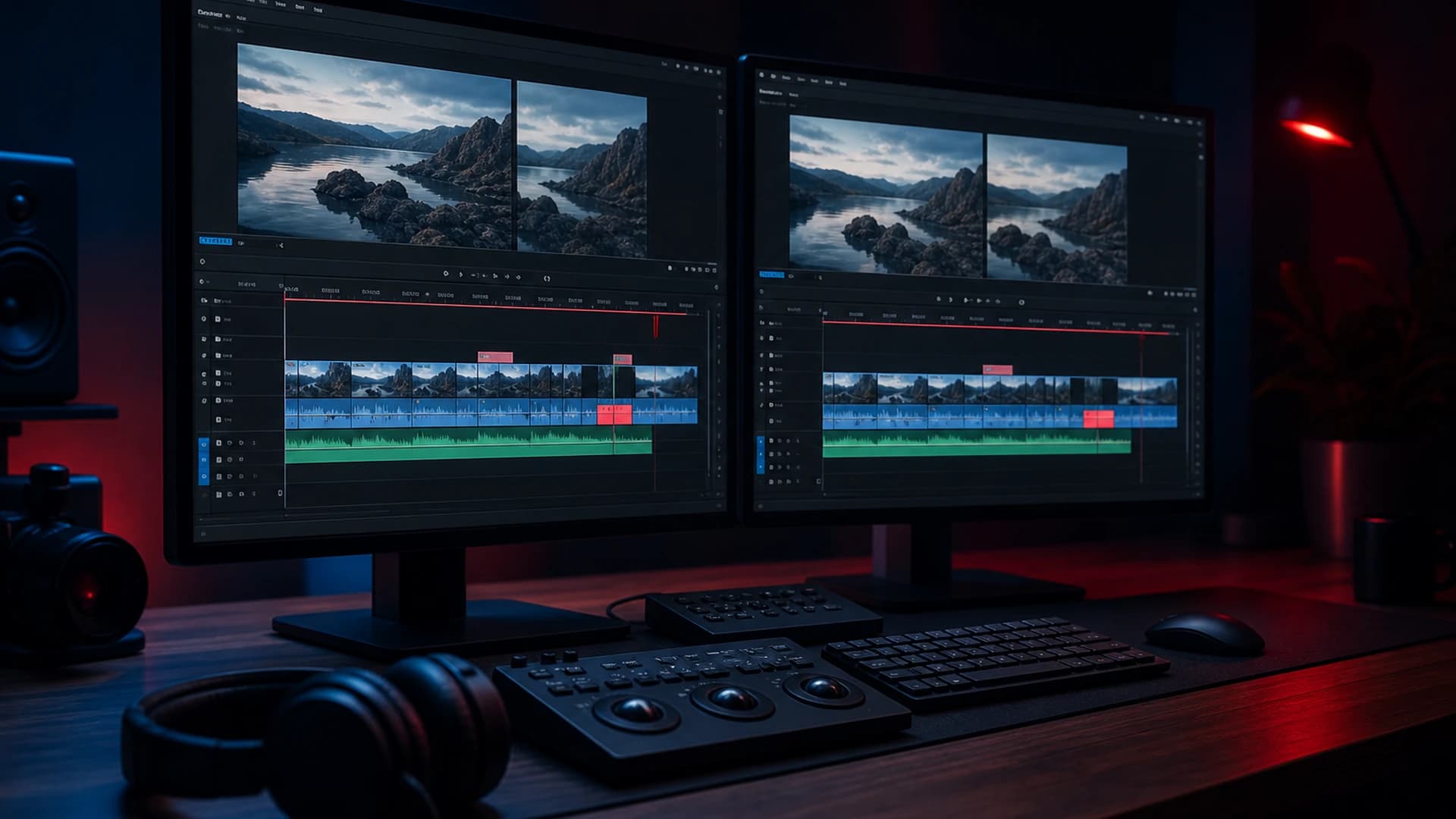
Copycats disguising stolen YouTube videos have become increasingly sophisticated, using a handful of cheap editing tricks to slip past basic detection. AI-assisted detection tools can now analyse multiple layers of a video simultaneously, surfacing the hidden signals that reveal a copy even after it has been altered, re-voiced, or repackaged entirely.
The Disguise Playbook: How Stolen Videos Are Hidden in Plain Sight
The most common obfuscation tactics are deceptively simple. A copycat might flip the video horizontally, adjust the playback speed by a few percent, add a coloured border, or swap in a fresh voiceover recorded in a different accent. Each change is trivial on its own, yet in combination they are enough to confuse basic frame-matching or hash-based checks that compare only raw visual data. Creators who rely on manual YouTube searches often find nothing at all, because the reuploaded title, description, and tags bear no resemblance to the originals.
What these tactics cannot easily disguise is the underlying structure of the content itself. The sequence of ideas in a script, the phrasing of key arguments, the rhythm of on-screen narration, and the compositional choices in a thumbnail all leave traces that persist across edits. These are the signals that matter most when a direct visual match has been deliberately removed, and they are precisely the signals that a multi-layered AI-assisted comparison is built to catch.
What Six-Signal Analysis Reveals That Single-Layer Checks Miss
GuardMyVideos analyses candidate copies across six signals: title, description, tags, transcript content, narration and speech-style patterns, and thumbnail imagery where available. Comparing across all six at once means that even when a copycat has replaced the voiceover and changed the title, a strong match on transcript structure and description phrasing can still surface the upload as a high-priority result. Ranked results show creators exactly which signals fired and how strongly, so the evidence is transparent rather than a black-box verdict. This is AI-assisted analysis, not legal advice, but it gives creators a clear, documented starting point before they decide whether to pursue a takedown.
Compared to other copyright detection tools that focus on a single layer such as audio fingerprinting or visual hashing alone, a combined signal approach is far harder for a copycat to defeat in full. Changing a voiceover does not alter a lifted script; redesigning a thumbnail does not remove copied tag strings; speeding up footage does not rewrite a plagiarised description. Each signal acts as an independent line of evidence, and a determined copycat would need to reconstruct the video almost from scratch to clear them all.
Practical Steps for Creators Who Suspect Disguised Copies
If you suspect a disguised reupload exists but manual searching has come up empty, the first practical step is to think about which signals in your original video are most distinctive. A highly specific phrase used consistently in your narration, an unusual structural approach to your scripts, or a signature thumbnail style are all strong candidates for detection even after surface-level edits. Documenting these characteristics before you run a scan helps you interpret the ranked results more confidently and identify genuine matches among lower-confidence candidates.
From there, running regular scans rather than one-off checks is important, because copycats often wait weeks or months before uploading a disguised copy, hoping the original creator has moved on. GuardMyVideos supports ongoing monitoring for Pro users, so new uploads that match your content are flagged as they appear rather than discovered by chance. New signups can begin with trial scans to see the signal context in action before committing to a plan — visit guardmyvideos.com/pricing for current options.
GuardMyVideos automates discovery and scoring for videos you choose. View pricing or start with trial scans on signup.